Use Zymego with services you already use
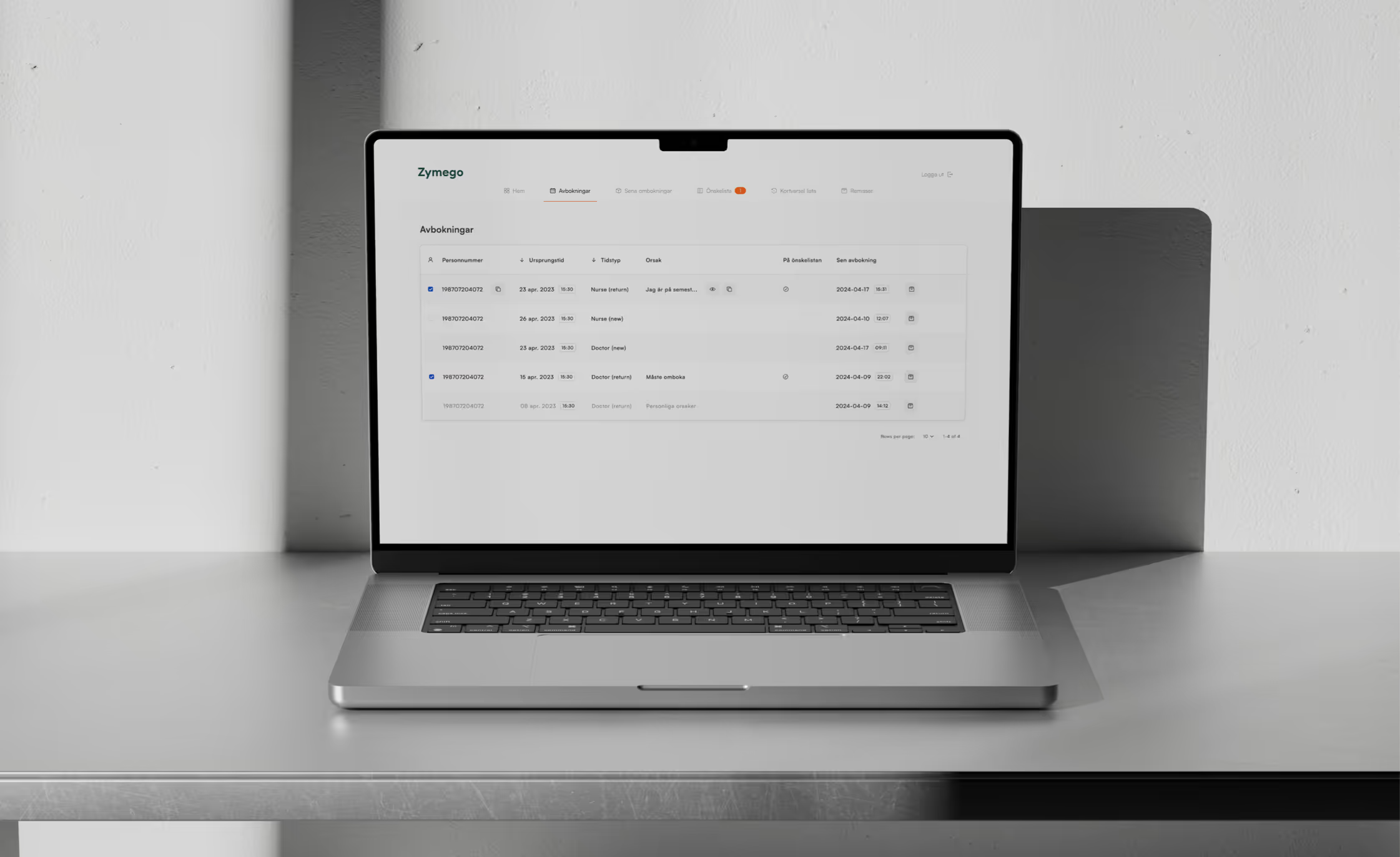
Because Zymego integrates with your EHR system, bookings are handled automatically while you continue working in your EHR as usual. Our solution works quietly in the background and updates the appointment in the EHR whenever a patient changes their time in our web app.
All integrations





Frequently asked questions
Do I have to download an app to use Zymego?
No, you only need to log on to this Zymego website or via the link you received from your clinic. When you have identified yourself with BankID, you can reschedule, cancel and receive offers for earlier appointments.
What are the benefits of Zymego for me as a patient?
With Zymego, you can shorten your waiting time by getting offers for earlier appointments, when appointments become available because of other patient cancellations. Once you have logged in and signed up to receive offers for earlier appointments, you will receive notifications when appointments become available. In addition, you can easily reschedule and cancel your appointment. Some clinics also offer their patients the ability to book new appointments, linking to Zymego directly from their website or by sending out links, after you have been in contact with the clinic. Visit your clinic’s website to see what applies to them.
How can I be sure that my appointment has really been rescheduled or cancelled?
You always receive confirmation via text message and email if you have rescheduled or cancelled your appointment. If you have rescheduled your appointment, you can always see your new appointment on zymego.se.
How do you handle personal data?
We handle personal data in accordance with GDPR. Zymego has been developed with a strong focus on data security and continuously follows the latest security recommendations.